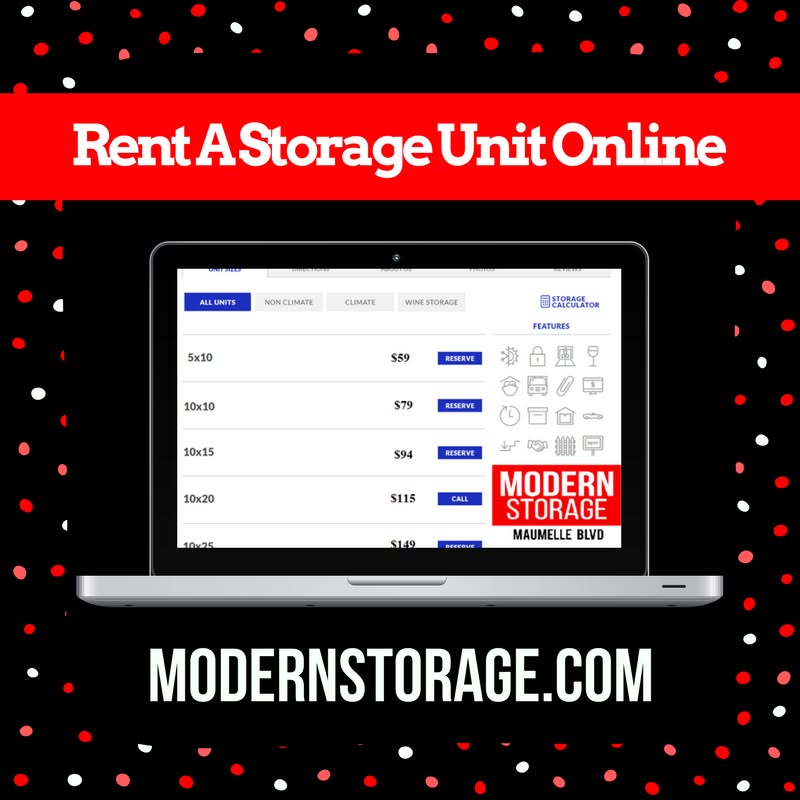
Need a quick storage solution without extensive phone calls or paperwork? Modern Storage offers an online move-in method you can complete in five steps.
Moving Made Easy at Modern Storage
For customers needing a quick storage solution without extensive phone interactions or paperwork, Modern Storage offers an online move-in method completed in five steps.
#1: Select a Location
Customers begin by choosing from three Modern Storage locations via the Locations page:
- Modern Storage West Little Rock (behind Barnes & Noble and Purple Cow off Chenal Parkway)
- Modern Storage World (behind Red Lobster and Kroger off West Markham Street)
- Modern Storage Maumelle Boulevard (across from Kum & Go beside Metro Appliances)
#2: Select a Unit
Unit availability varies by facility. Customers click "Move In" next to their desired size. The software does it for you and skips you to the next step regarding unit number assignment.
#3: Customize Your Unit
Initial pricing shows full monthly rent with prorated first-month costs. Customers may add optional services including 24-hour access for just $10 a month or tenant insurance for as low as $9 a month covering a $2,000 policy.
#4: Enter Your Information
Required details include contact information, emergency contacts, and payment method (debit or credit card).
#5: Finish Moving In Online
Users review terms, sign their lease, and submit. Staff verification includes a personal call and driver's license scanning for identity confirmation.